Coming November 24, 2026
Apple Vision Pro · iPhone · iPad · Mac
One hero, four walls and wave after wave of monsters.
How long can you hold out?
A quick solo survival game, built piece for piece from the Dynamod 3D printable miniatures.
How it plays
Drag four walls between the cells of a small dungeon, or place them at random. Where they stand decides how every fight plays out.
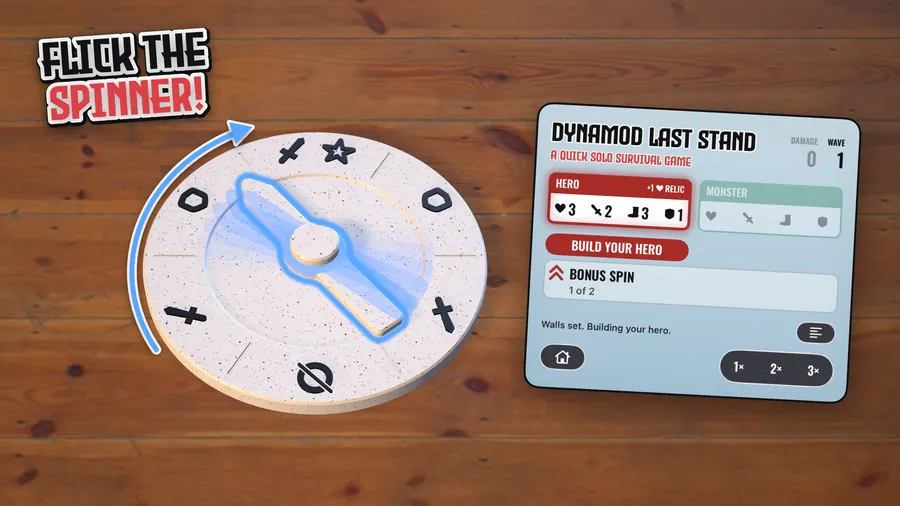
Every bonus, attack, defense and spawn is decided by a spinner you flick yourself, hard or soft, and the arrow turns the way you sent it.
Each monster comes in from the side the spinner points to, then hunts your hero down. Move, attack, or pick a tactic: advance, ambush, flee or hide.
Defeat it and you move one wall to a new spot before the next monster comes straight in. A game takes a few minutes, or as long as you can hold out.
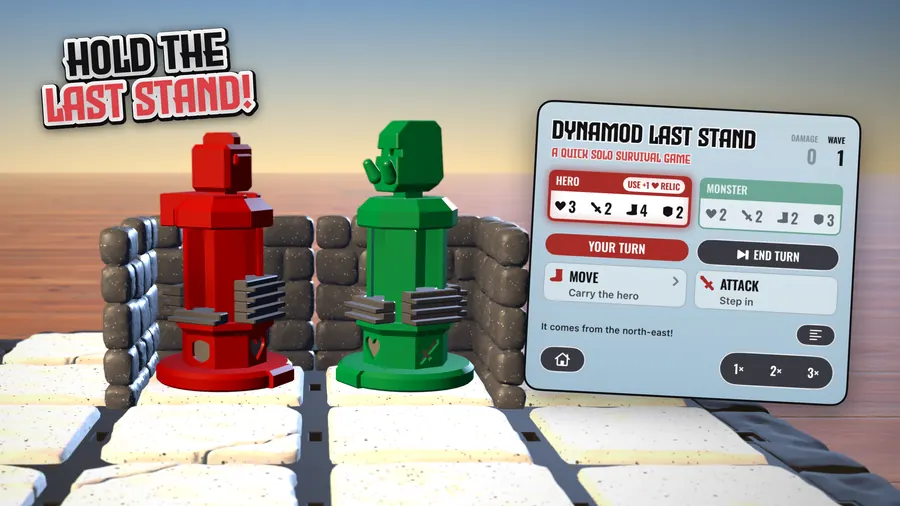
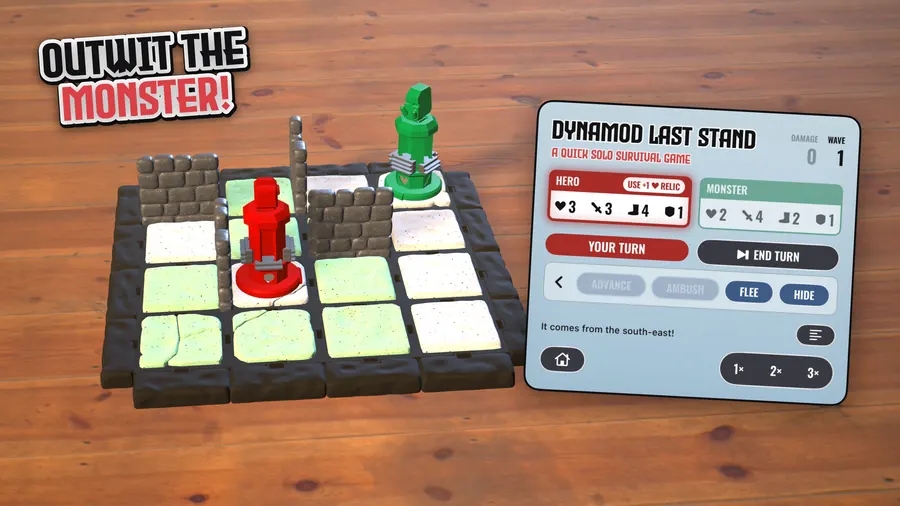
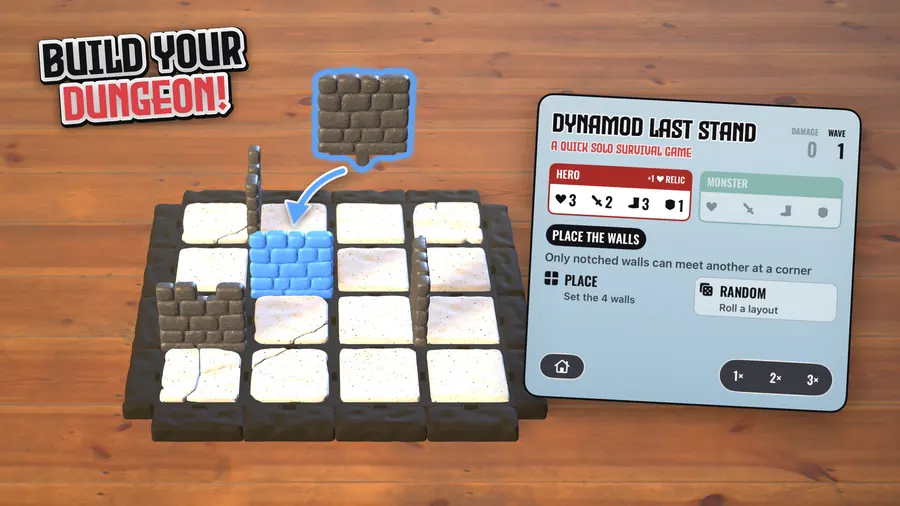
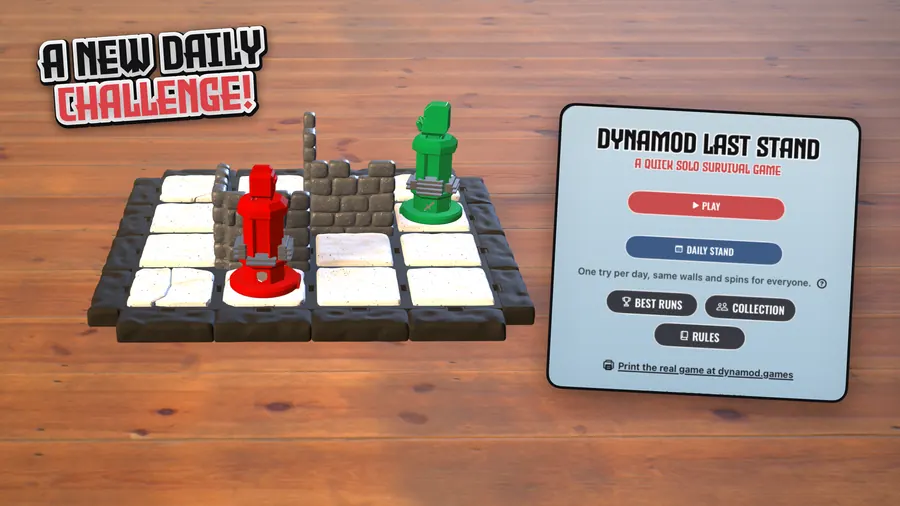
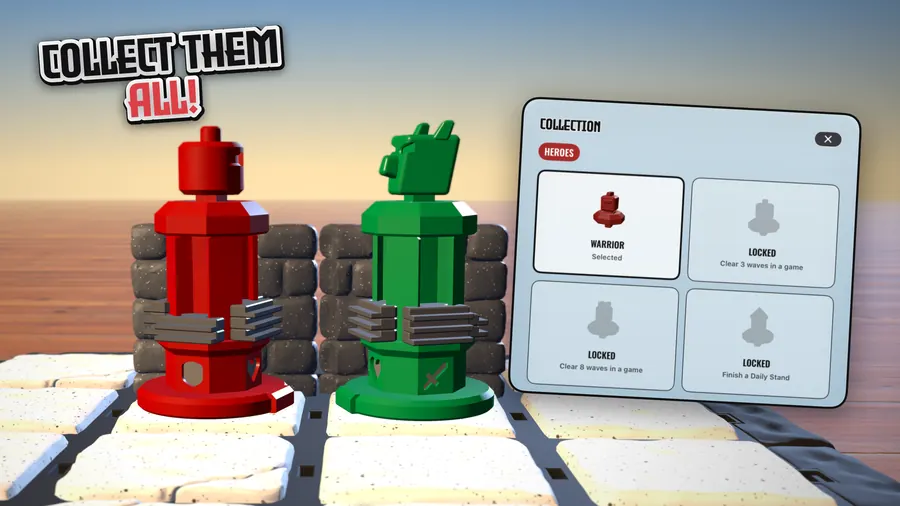
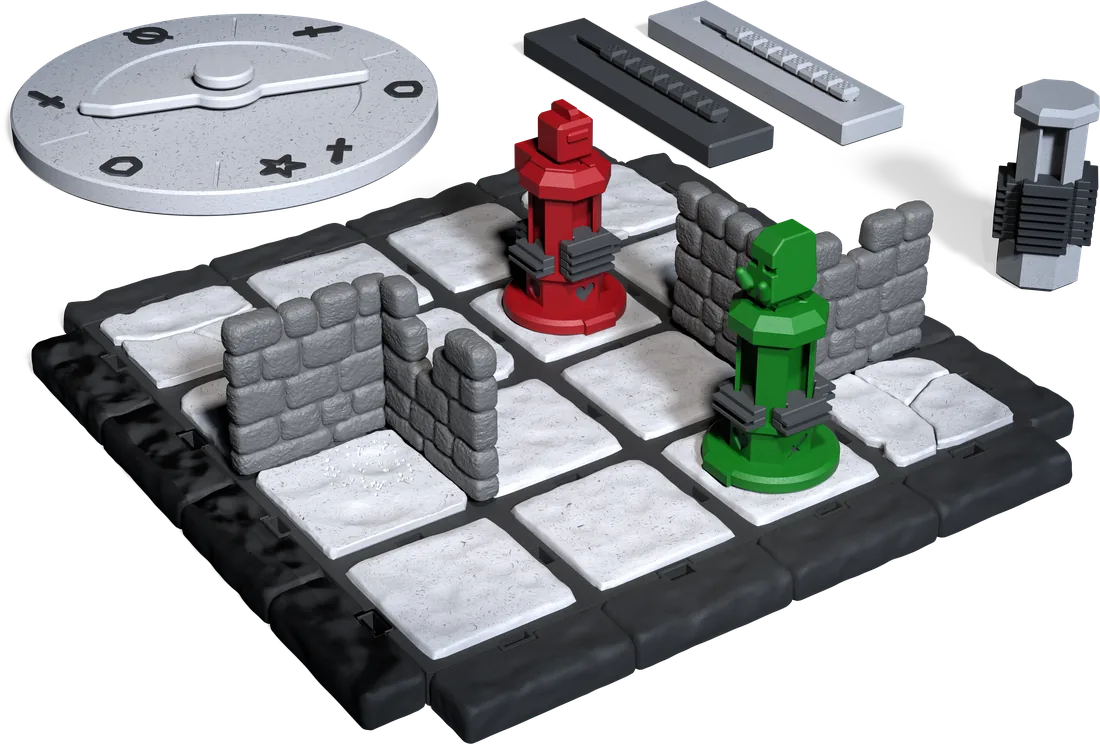
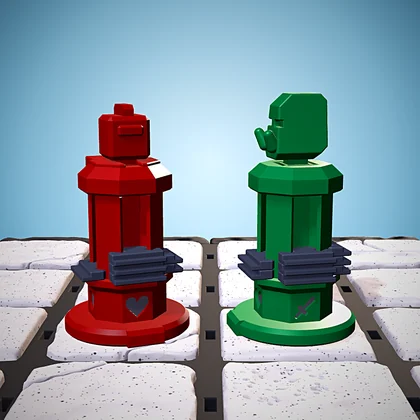
The printed Last Stand set the game is modelled on
Every piece is a real miniature
Every tile, wall, door, figurine and token on screen is modelled on a Dynamod piece you can 3D print, at the size you would print it. On Apple Vision Pro the board sets itself down on your table at exactly that size.
You need none of it to play. On iPhone, iPad and Mac the game is complete on its own: no miniatures, no 3D printer and no headset.
Four Apple platforms, one game
One purchase covers all four, and your progress and the game in play follow you through iCloud, so a run started on iPhone carries on on the Mac or Vision Pro.
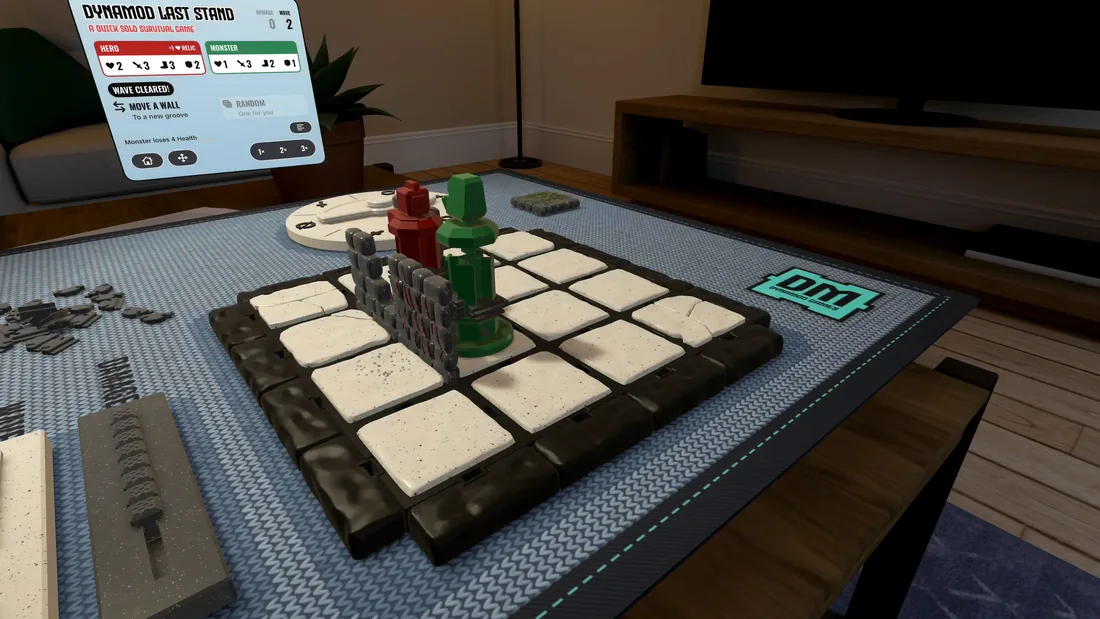
Apple Vision Pro
The board finds a real table in the room and sets itself down on it at the exact size of the printed tiles. You pick the walls up with your hands, flick the spinner with a fingertip and carry your hero from cell to cell. The board can be made two or three times as big.
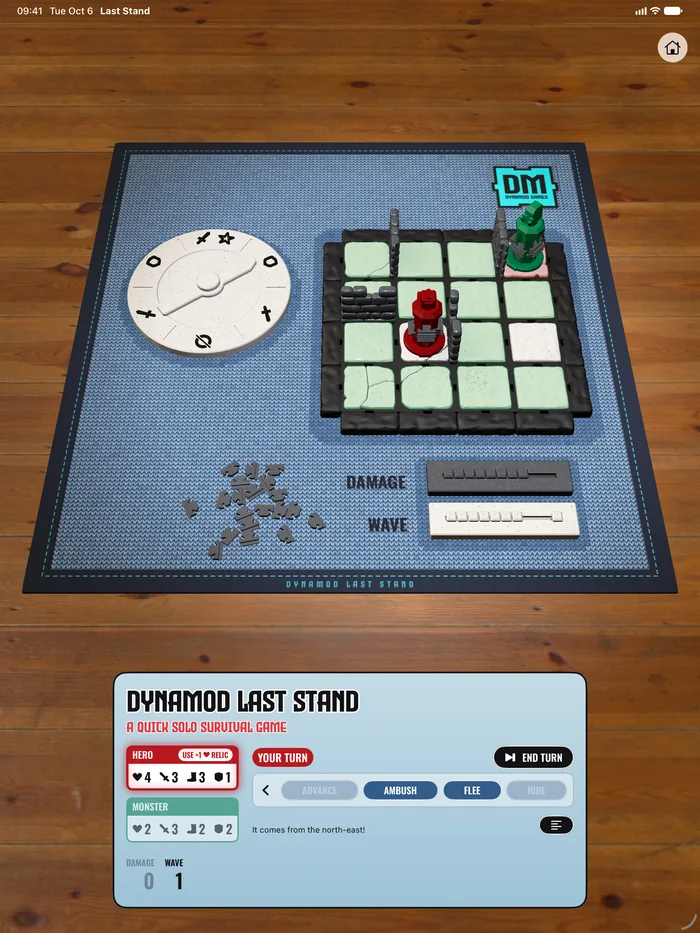
iPhone and iPad
Play on a wooden table on screen, or switch to AR and set the board down on your own desk, table or floor.
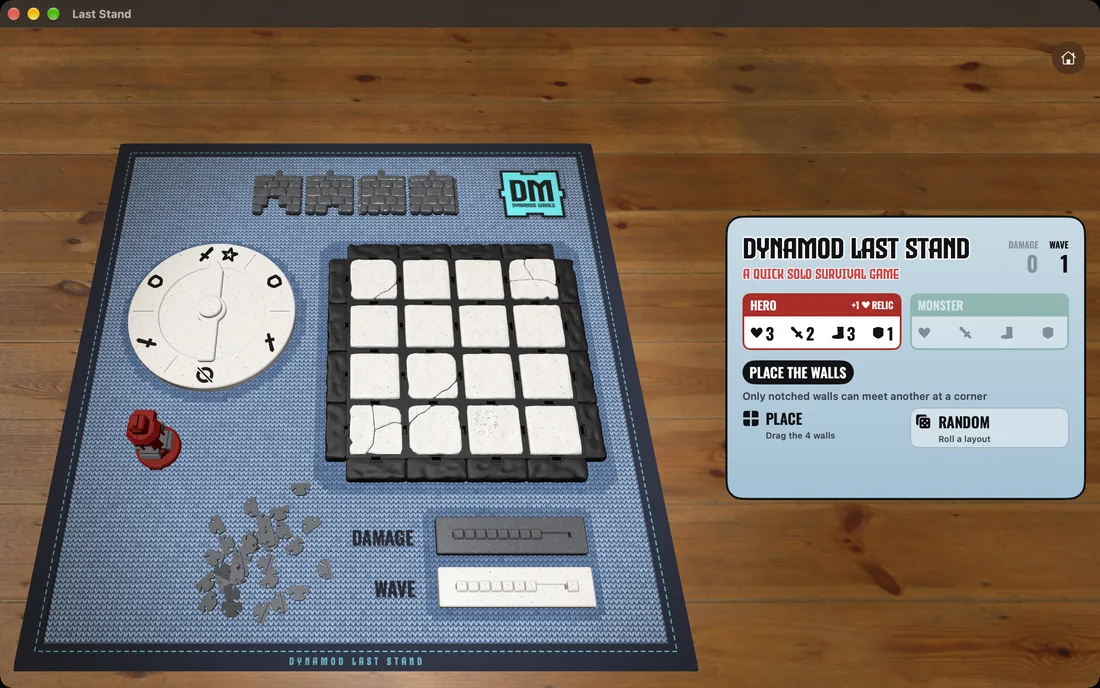
Mac
The board sits on a wooden table in its own window. Turn and tilt the view, zoom in on a fight, and play with the mouse or the trackpad.
Made for iPhone Duo
Stand it half open and the board stands up on the top half while the game card lies flat on the bottom half, a little tabletop of its own. Folded or open, the game follows.
See Last Stand on Apple Vision Pro
The same game set down on a table in the room, with the game card floating beside the board.
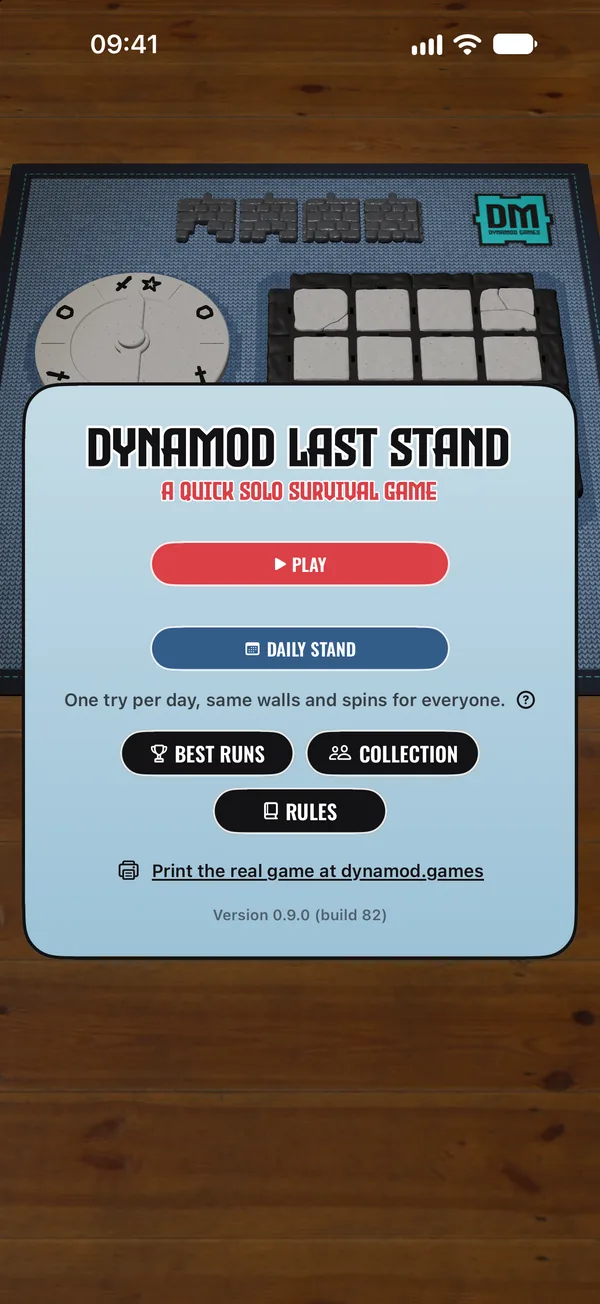
The Daily Stand
Every day brings a single run whose spins come to rest in the same places for everyone in the world. The monster that arrives on wave three is built the same for every player, the same fight gets the same spins, and the walls rolled at random are the same too.
Your choices cannot shift anyone else's spins, so the day's dungeon is the same challenge wherever it is played. You still play it alone: compare your waves on the Game Center leaderboard and keep your streak going.
Good to know
- One purchase, $2.99, for Apple Vision Pro, iPhone, iPad and Mac, with no ads, no subscription, no in-app purchases and no account. No data is collected.
- Game Center, with 12 achievements, 2 leaderboards and the Daily Stand streak.
- The whole game can be played with VoiceOver on iPhone, iPad and Mac, with the monster's turn read out as it plays. Larger text, Reduce Motion and Increase Contrast are supported too.
- Runs on iOS, iPadOS, macOS and visionOS 26 or later.
Early access and reviewers
The press brief has the key facts, screenshots and the story behind the game. For anything else, use the contact page.

Scan it with the iPhone or iPad you want to play on.
Pre-orders are open on the App Store. Until November 24, 2026, journalists and reviewers can also play the beta through TestFlight, Apple's app for trying apps before they are released, for as long as the beta has room. Install TestFlight, then open the invitation on the iPhone, iPad, Mac or Apple Vision Pro you want to play on.
What to try
- Let the board find your table on Apple Vision Pro, or set it down in AR on iPhone and iPad.
- Flick the spinner hard and soft, and watch the arrow turn the way you sent it.
- Play the Daily Stand, with the same walls and spins as everyone else, and keep a streak going.
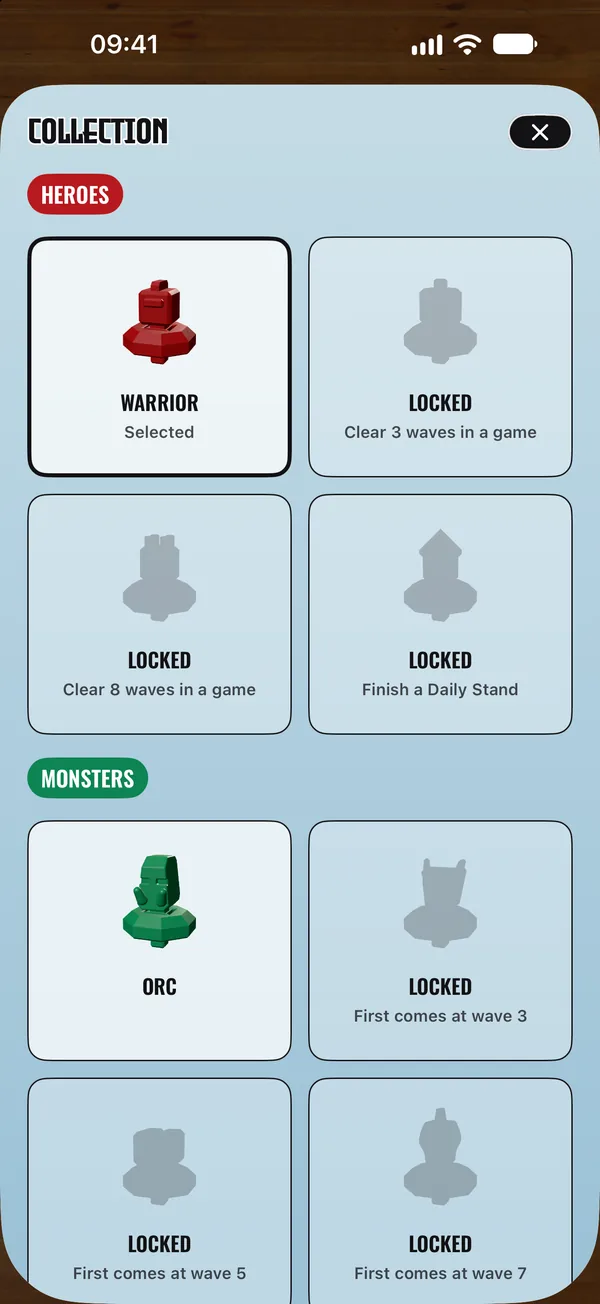
- Hold out longer and finish a Daily Stand to unlock new heroes and new walls, and meet new monsters as the waves go up.
- Tick several wall sets in the Collection, from ruins to walls overgrown with vines or raked by claws, and each game mixes its walls from them.
Feedback from Apple Vision Pro, iPhone Duo and VoiceOver is especially welcome. Send it from inside TestFlight, with a screenshot when something looks wrong, or through the contact page.
Play the same game on a real table
Last Stand is modelled on the physical Dynamod set, so every piece on screen has a counterpart on the table. Print the pieces yourself from the STL collection, or start from a boxed set.